Activity log
Every project includes a built-in activity log that records changes made by team members. Open it from the project settings page to see a timestamped timeline of everything that has happened across the project.
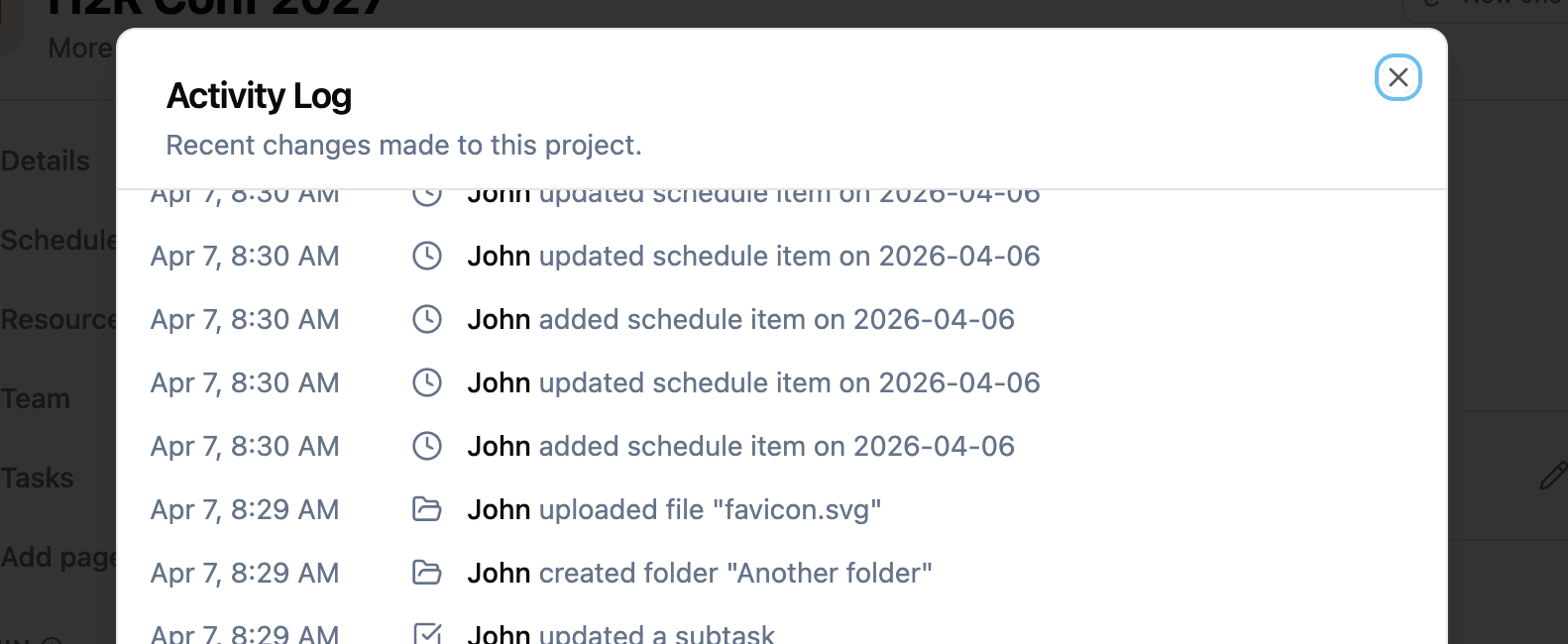
What gets logged
The activity log captures changes across all major areas of the project:
- Team: Members added, updated, or removed. Departments created or deleted.
- Resources: Files uploaded, links added, folders created or renamed, file requests managed.
- Schedule: Items added, updated, or removed from the production schedule.
- Tasks: Tasks and subtasks created, completed, reopened, or deleted.
- Budget: Budget items added, updated, or deleted.
- Locations: Locations added, updated, or removed.
- Pages: Custom pages created, updated, or deleted.
- Project details: Project name, description, dates, or theme changed.
What each entry shows
Each log entry includes:
- Timestamp: The date and time the change was made.
- Who: The name of the team member who made the change.
- What: A plain-language summary of the action, such as “uploaded file Lighting Plot” or “added sean[@]example.com to the team”.
Loading older entries
The log shows the most recent entries first. Use the Load more button at the bottom to fetch older entries. This keeps the initial load fast while giving you access to the full history when you need it.
Who can see the log
Any team member with access to the project settings page can view the activity log. This means members with write permission.
Related features