External projects
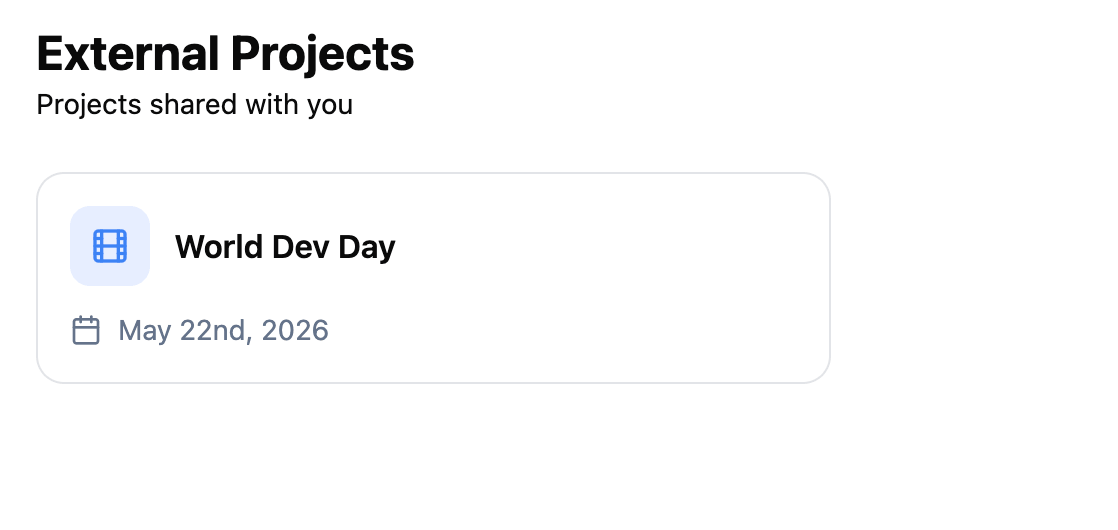
You can be invited to projects that belong to organizations you are not a member of. These are called external projects. They appear in a dedicated section, separate from your own organizations’ projects, so you can tell at a glance which productions are yours and which ones you have been brought into.
How it works
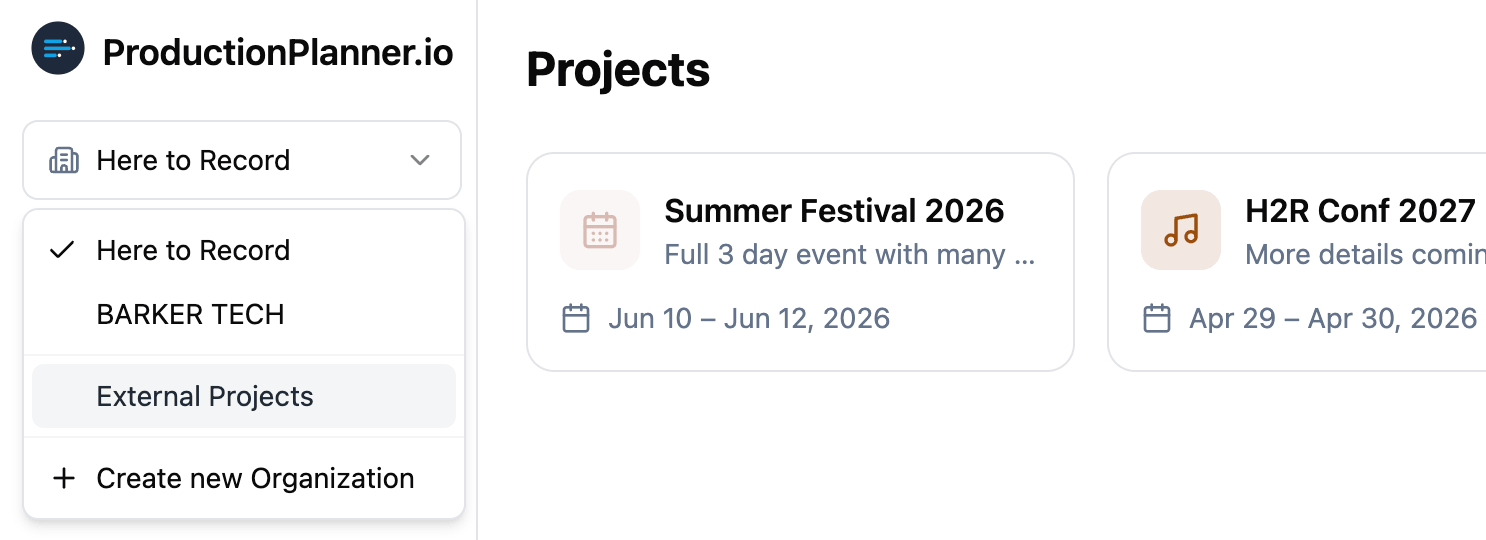
When someone invites you to a project that belongs to an organization you are not part of, that project shows up under “External Projects” in the organization selector at the top of the dashboard.
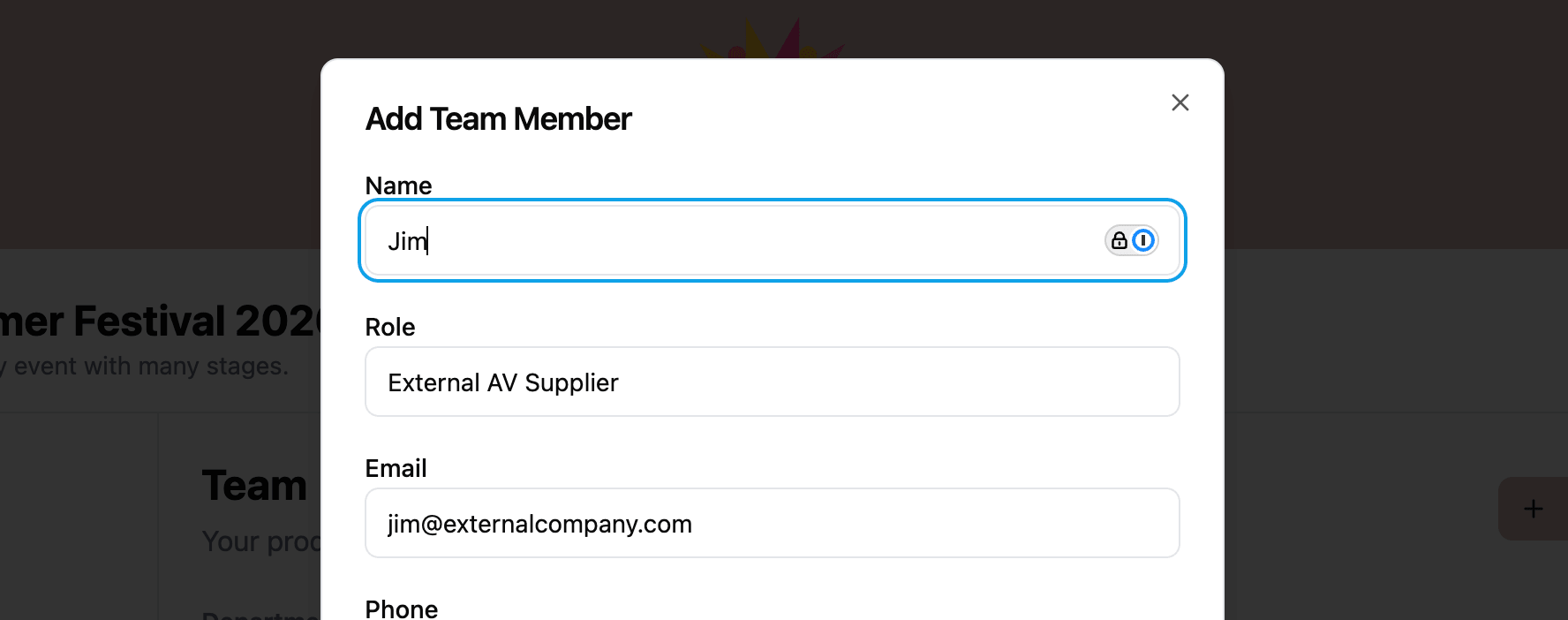
- A project owner or team member with write access invites you by email.
- You receive an email with a link to accept or decline the invitation.
- Once accepted, the project appears in your External Projects list.
If there are no external projects, the section stays empty until someone invites you.
Permissions and access
External projects work the same as any other project. You have full access to schedules, resources, messaging, tasks, and all other features based on the permission level assigned to you by the project owner.
- Read permission lets you view all project content (except budget data).
- Write permission lets you view and edit all project content.
The only difference from projects in your own organizations is where they appear in the navigation. Everything else is identical.
When to use external projects
External projects are useful when:
- A client or partner invites you to collaborate on their production.
- You freelance across multiple production companies and need to access projects from different organizations.
- A vendor or contractor needs temporary access to a specific project without joining the full organization.
Related features