June 22, 2026
How to Plan a Hybrid Event: Technical Production Guide
Hybrid events combine in-person and virtual audiences. Learn the technical requirements, AV setup, and production workflow for successful hybrid events.
By John Barker
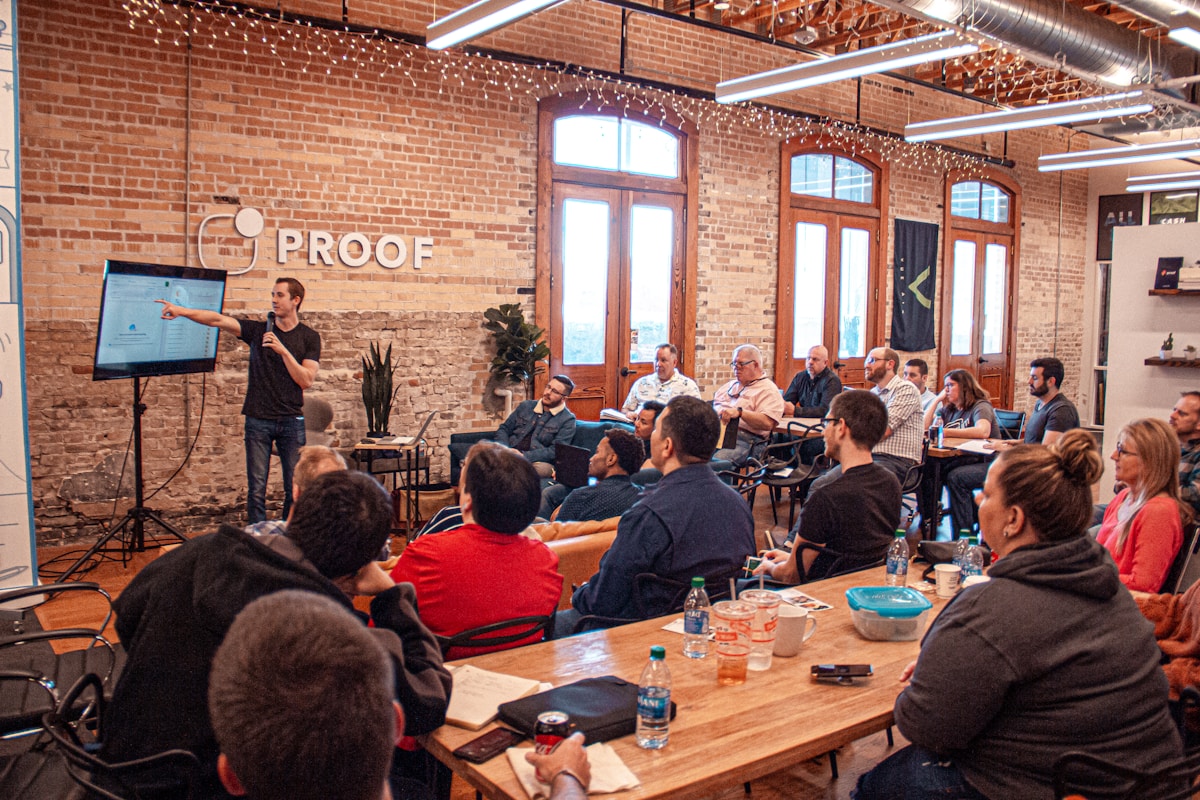
The live audience loved the keynote. Standing ovation. But when you check the stream recording later, the speaker’s face is in shadow, the audio has room echo, and the chat was full of people saying “can’t hear anything.” Two audiences, two very different experiences.
That’s the core challenge of hybrid events: you’re not adding a camera to an in-person event — you’re producing two parallel shows with different technical requirements, different crew responsibilities, and different audience expectations. Here’s how to do it well.
What makes hybrid technically different
A standard in-person event needs sound for the room, lighting for the stage, and maybe screens for presentations. A hybrid event adds:
- Cameras to capture the stage for remote viewers
- Encoding and streaming infrastructure to deliver video online
- Dedicated internet (separate from venue Wi-Fi) for reliable streaming
- Remote audience interaction tools (chat, Q&A, polls)
- Audio mixing for two destinations — the room mix and the stream mix are different
- Graphics and lower thirds for the stream that in-person attendees don’t see
- A separate production role (stream director/technical producer) managing the online experience
Core technical requirements
Video
- Minimum 2 cameras (one wide, one tight) for visual variety
- Video switcher for live switching between camera angles and presentations
- Confidence monitors so speakers can see their slides
- SDI or HDMI capture for screen sharing/presentation capture
Audio
- Separate mix outputs: room (PA) and stream (clean feed)
- The stream mix should not include room ambience — only direct mic feeds
- Wireless lavaliers for speakers (handhelds cause proximity issues on stream)
- Backup audio path (wired mic ready if wireless fails)
Streaming
- Hardware encoder (more reliable than software for live events)
- Dedicated internet connection: minimum 10 Mbps upload, ideally 20+
- Backup internet (4G/5G bonded connection)
- Stream destination: your platform, YouTube, Vimeo, or a combination
- Stream delay: 10-30 seconds is typical for live streams
Lighting
- Front lighting sufficient for camera (faces well-lit, no harsh shadows)
- Consistent color temperature (mixed lighting looks bad on camera)
- Consider the camera’s perspective, not just the in-room perspective
Two audience experiences, one production
The biggest mistake in hybrid production is treating the remote audience as an afterthought — pointing a single camera at the stage and hoping for the best.
Design for both audiences from the start:
In-room audience gets the live energy, networking, and physical presence.
Remote audience gets professional multi-camera coverage, clean audio, on-screen graphics, and interactive tools (chat, Q&A, polls) that make them feel included rather than passive observers.
Assign a dedicated person (stream producer or virtual event manager) to own the remote experience. Their job is to ensure the online audience has a good experience — managing chat, cueing remote speakers, monitoring stream health, and troubleshooting issues.
Rehearsal protocol for hybrid
Hybrid events need more rehearsal time than single-format events. Your rehearsal should cover:
- Full AV check — Verify all cameras, microphones, switching, and streaming work end-to-end
- Speaker prep — Walk each speaker through where to stand (for camera framing), where to look, and how to interact with remote Q&A
- Stream test — Run a full test stream to your platform. Check video quality, audio levels, latency, and graphics
- Backup plan drill — What happens if the internet drops? If a camera fails? If the encoder crashes? Walk through each scenario
- Remote participant test — If you have remote speakers joining via video call, test their connection, audio, and camera quality
Backup plans
Hybrid events have more failure points than single-format events. Plan for:
- Internet failure: Secondary connection (bonded cellular) that auto-failovers
- Encoder failure: Pre-configured backup encoder on standby
- Camera failure: Spare camera or ability to switch to a single-camera show
- Platform outage: Backup stream destination (e.g., YouTube as fallback)
- Power failure: UPS on critical streaming equipment
Budget considerations
Hybrid production typically costs 30-50% more than in-person alone due to:
- Camera operators and equipment
- Streaming hardware and internet
- Additional crew (stream producer, graphics operator)
- Platform licensing
- Extended rehearsal time
Make sure stakeholders understand this before committing to hybrid. A well-produced hybrid event is worth the investment; a poorly produced one can damage your brand more than not streaming at all.
Wrapping up
Hybrid events are here to stay, and audiences expect professional quality from both the in-room and online experience. The key is treating hybrid as a deliberate production choice — not an add-on — and allocating the crew, equipment, rehearsal time, and budget it requires.
Use a production planning tool like ProductionPlanner.io to coordinate the additional complexity: separate schedule tracks for in-person and stream production, team assignments showing who owns the online experience, and resource links to streaming credentials, platform settings, and backup procedures.
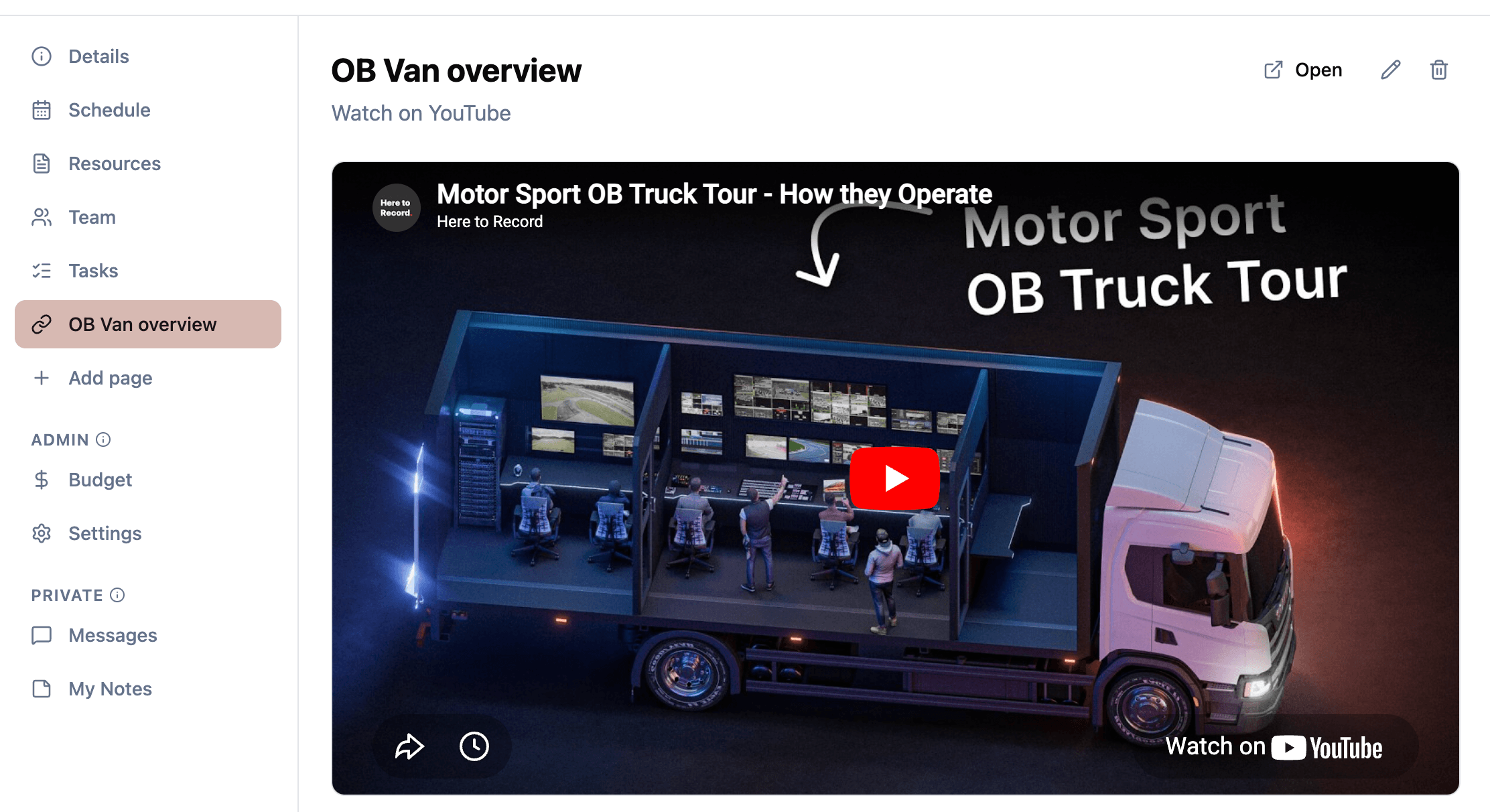 Figure: Embed stream players, run-of-show, and live links on a shared page so the remote experience is part of the production plan.
Stay in the loop
Get product updates when new features ship. No spam, unsubscribe anytime.