Account Settings
Account Settings is where you control how the app is presented to you. Preferences are saved to your account, so they follow you across sessions and devices.
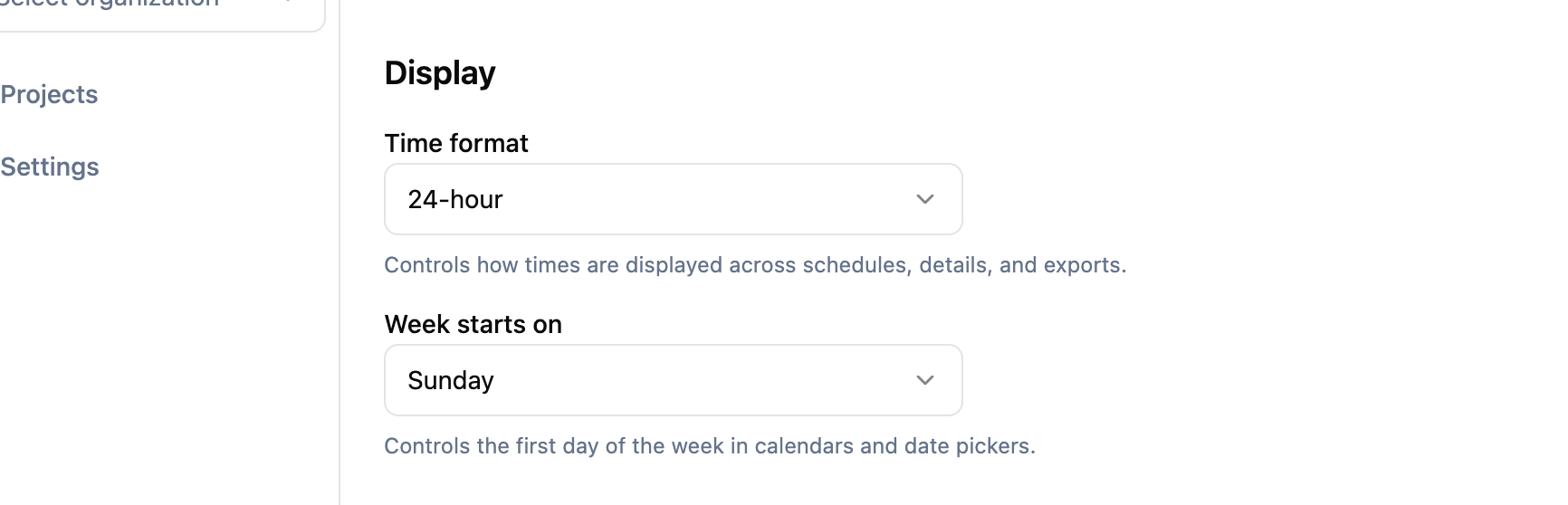
Time format
Choose how times are displayed throughout the app:
- 12-hour shows times like “2:00 PM”.
- 24-hour shows times like “14:00”.
The app previously inferred this from your browser locale. With this preference you can pick explicitly, so the schedule, clocks, and date pickers always show times the way you want them.
First day of the week
Choose whether your week starts on Sunday or Monday. Calendars and date pickers across the app will line up with your choice.
Language
Pick the language your project workspace is presented in. The setting is per user, so different members of the same team can work in different languages without affecting each other.
Supported languages, listed in their native name as they appear in the picker:
- English
- Svenska (Swedish)
- Deutsch (German)
- Français (French)
- Português (Portuguese)
You can also pick Browser default at the top of the list. When that’s selected, ProductionPlanner.io uses whichever supported language matches your browser’s preferred language, and falls back to English if there’s no match. Pick this if you want the workspace to follow your device settings instead of being pinned to a specific language.
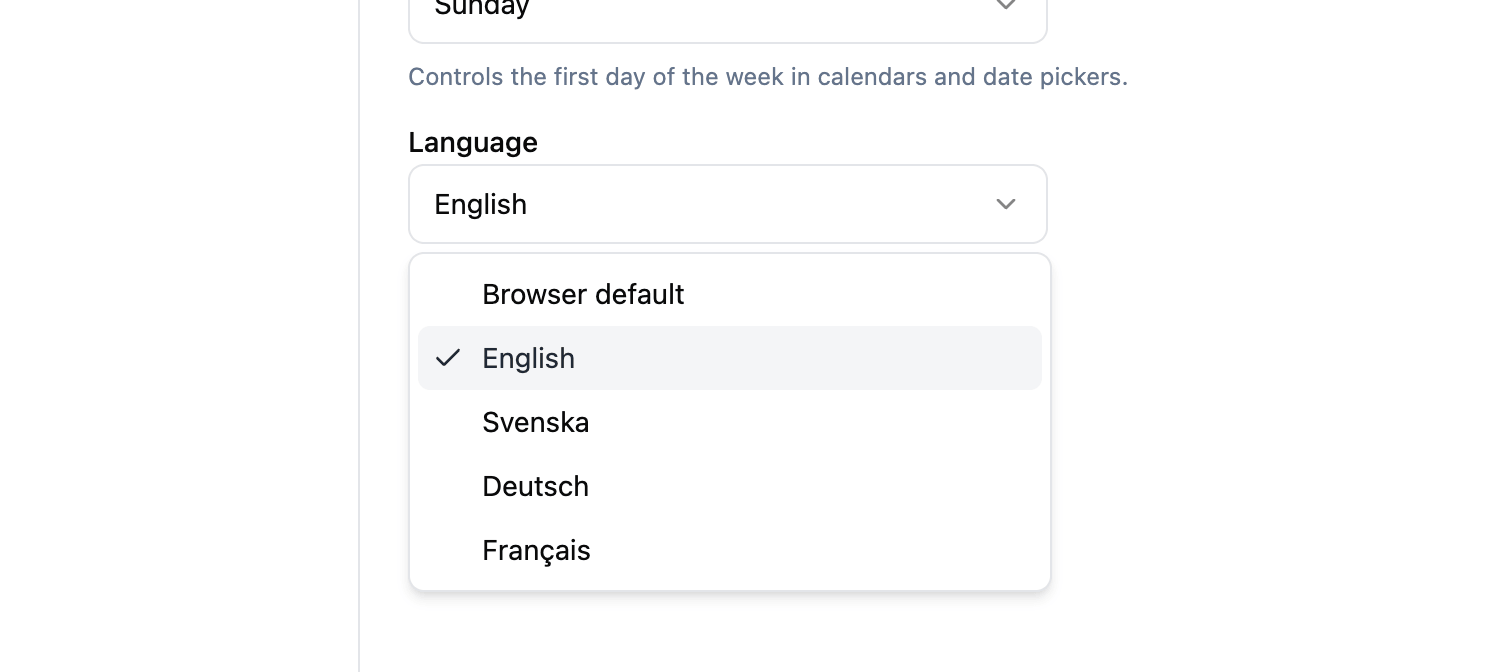
The choice covers the project workspace — schedule, budget, tasks, resources, locations, messaging, pages, and call sheets. Account and sign-up pages remain in English for now.
Call sheets are generated in the sender’s language. If your language is set to French and you send a call sheet, the PDF arrives in French with localized weekday and month names, regardless of the recipient’s own preference.
Related features