Personal notes
Personal notes give each team member a private space to write within the project. Notes are visible only to the person who writes them. No other team member, including the project owner, can see your notes.
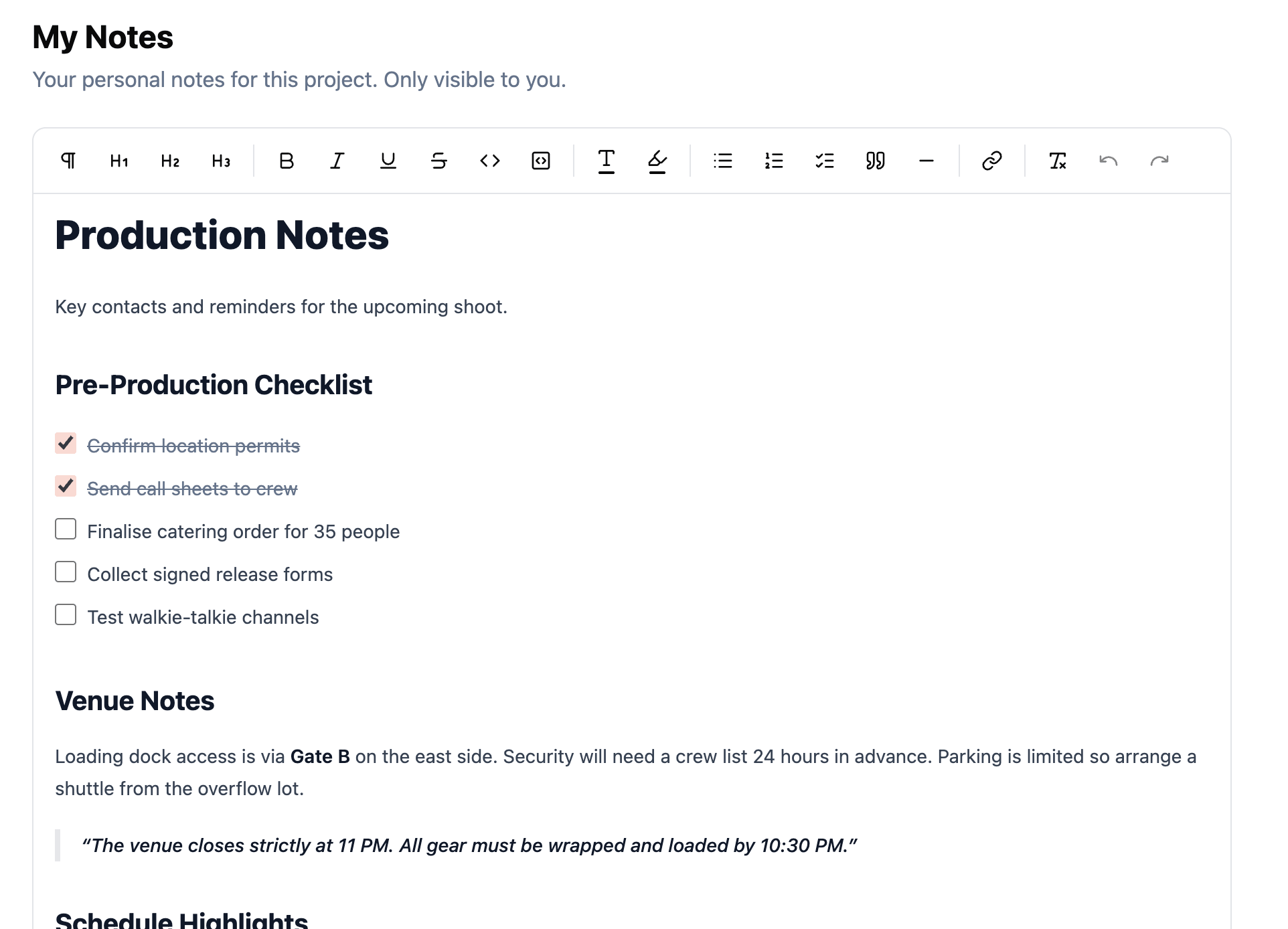
Rich text editor
The notes editor supports rich text formatting. Write freeform notes with headings, bold, italic, lists, and other standard formatting options.
Saving
A floating Save button appears as soon as you make changes. Cmd/Ctrl + S also saves without leaving the keyboard. The page warns you before you navigate away if there are unsaved changes.
For long-form notes that you want to share with the whole project team, use a Note page instead.
Privacy
Notes are stored per user and per project. They are strictly private. Common uses include:
- Personal to-do lists for your responsibilities on the production.
- Meeting notes from calls with vendors or team leads.
- Ideas or observations you want to capture during rehearsals.
- Draft communications before sharing them with the team.
Related features